
Hemchandracharya North Gujarat University (HNGU) has released the HNGU M.Sc CA and IT Semester 6 Repeater Result 2026. The result is for the September 2026 examination. The university added it to the official results page on 21 November 2026 and marked it as new.
Table of ContentsQuickly navigate to the information you need
If you appeared for the M.Sc. (CA & IT) Semester 6 Repeater examination, you can now check your result online. Visit the official HNGU website at ngu.ac.in and open the results section. You can also use the direct result link given below.
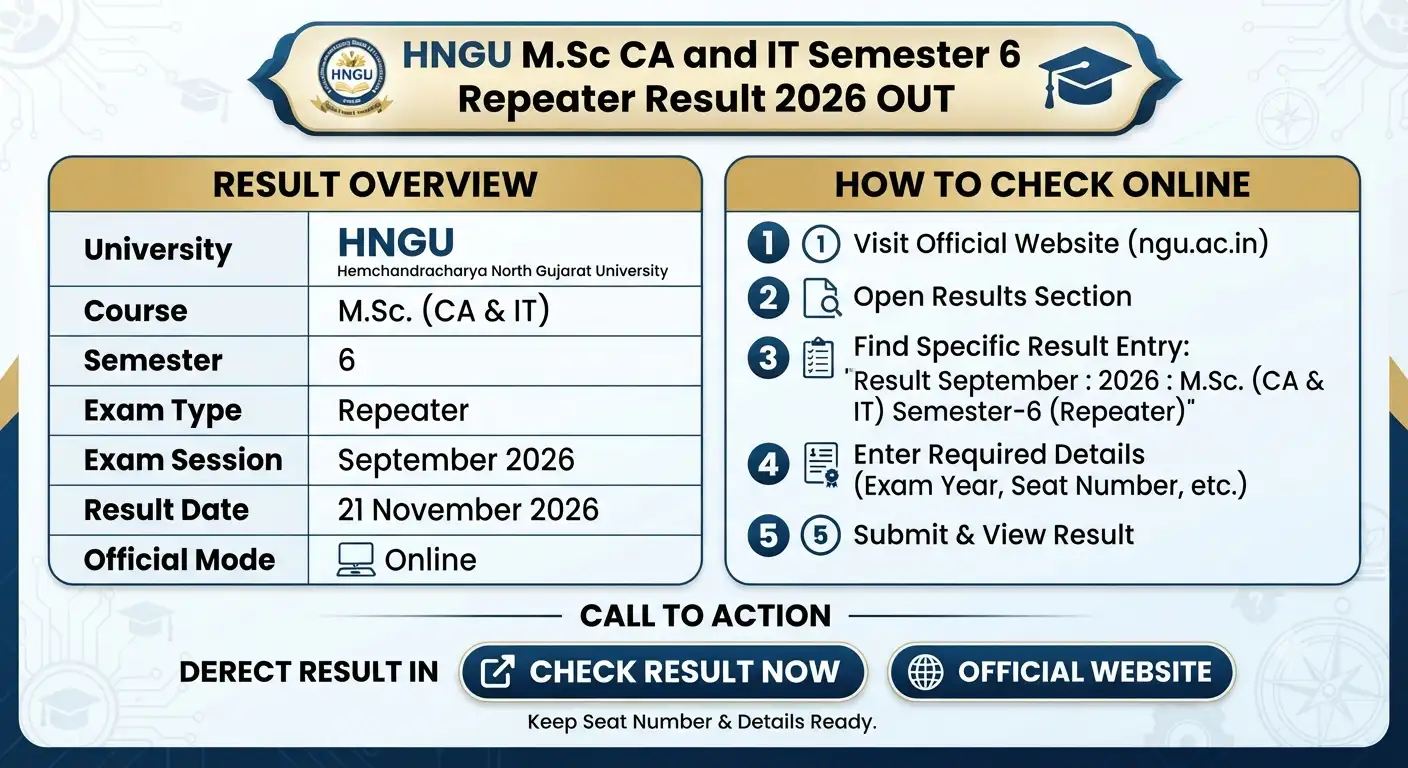
HNGU M.Sc CA and IT Semester 6 Repeater Result 2026: Overview
HNGU has listed the September 2026 result for M.Sc. (CA & IT) Semester 6 Repeater students. The main details are given below.
| Particulars | Details |
|---|---|
| University | Hemchandracharya North Gujarat University (HNGU) |
| Course | M.Sc. (CA & IT) |
| Semester | Semester 6 |
| Exam Type | Repeater |
| Exam Session | September 2026 |
| Result Update Date | 21 November 2026 |
| Result Status | Released |
| Result Mode | Online |
| Official Results Page | ngu.ac.in |
HNGU M.Sc (CA & IT) Semester 6 Repeater Result 2026 Link
You can check the HNGU M.Sc CA and IT Semester 6 Repeater Result 2026 through the university’s official result page. The result list contains an entry titled “Result September : 2026 : M.Sc. (CA & IT) Semester-6 (Repeater)”. Its update date is 21 November 2026. ngu.ac.in
Use the official links below to open the result page.
| Particulars | Official Link |
|---|---|
| HNGU M.Sc. (CA & IT) Result 2026 | Check Result |
| HNGU Results Page | Open Results |
| HNGU Official Website | Visit Website |
HNGU M.Sc CA and IT Semester 6 Result Date
The university listed the result on 21 November 2026. The examination session was September 2026.
| Event | Date |
|---|---|
| Examination Session | September 2026 |
| Result Listed on HNGU Website | 21 November 2026 |
Students who appeared for this repeater examination can now visit the official website and check their marks.
How to Check HNGU M.Sc CA and IT Semester 6 Repeater Result 2026
Follow these steps to check your result online:
- Visit the official HNGU website at ngu.ac.in.
- Open the Results section.
- Find the entry named “Result September : 2026 : M.Sc. (CA & IT) Semester-6 (Repeater)”.
- Click the result link.
- Select the required exam year or enter the details requested on the result page.
- If the page asks for your semester, course, month, seat number or captcha, enter the correct information.
- Submit the details to view your result.
- Check your marks on the screen.
- Save or print a copy for future use.
You can also open the direct HNGU result page to check your result.
Details You May Need to Check Your Result
Keep your examination details ready before opening the result page. The university’s result system may ask you to select the exam year and provide details such as your semester, course, exam month and seat number.
The result search page also provides instructions to enter the required details and submit them. Follow the fields shown on the official page. Do not enter incorrect information, as it may stop you from viewing your result. ngu.ac.in+1
Important Instructions for HNGU Students
After checking the HNGU M.Sc CA and IT Semester 6 Repeater Result 2026, keep these points in mind:
- Check your result only through the official HNGU website.
- Carefully check your name, seat number, subjects and marks.
- Save a digital copy of your result.
- Take a printout for your records.
- Contact your college or the university examination section if you find any mistake.
- Do not assume that the online result is the final marksheet. The result notice does not confirm whether it is the final marksheet.
The university has not mentioned any revaluation dates, fees or supplementary examination details in this result listing. If you want to apply for rechecking or need information about the next steps, check the official university website for further notices.
What to Do If You Cannot Open the HNGU Result?
If the HNGU M.Sc CA and IT Semester 6 Repeater Result 2026 does not open, first check your internet connection. Then try opening the result page again.
Make sure you have selected the correct exam year and entered your seat number or other required details correctly. The university’s result page also advises students to allow pop-ups before submitting the details, as the result may open in a new window. ngu.ac.in
If the result is still not available, visit the official HNGU results page later or contact the university examination section for help.
HNGU M.Sc CA and IT Semester 6 Repeater Result 2026: Important Links
You can use the following official links to check your result and get updates from the university.
| Purpose | Official Link |
|---|---|
| Direct Result Link | Check HNGU Result |
| Latest Results | HNGU Results Page |
| University Website | HNGU Official Website |
The HNGU M.Sc CA and IT Semester 6 Repeater Result 2026 was listed on 21 November 2026 for the September examination. Students should check their marks online and keep a copy of the result for future reference.
Also Check Out:- KSET Result 2026 Out: Karnataka State Eligibility Test Provisional Result Released, 8,171 Candidates Qualified
FAQs
1. When was the HNGU M.Sc CA and IT Semester 6 Repeater Result 2026 released?
Hemchandracharya North Gujarat University listed the result on 21 November 2026. It is for students who appeared in the M.Sc. (CA & IT) Semester 6 Repeater examination held in September 2026.
2. How can you check the HNGU M.Sc CA and IT Semester 6 Repeater Result 2026?
Visit the official HNGU results page at https://ngu.ac.in/Results.aspx. Find the September 2026 M.Sc. (CA & IT) Semester 6 Repeater result link and open it. Enter the details requested on the result page, submit them and check your marks. Save or print a copy for future use.
3. What details should you keep ready to check the HNGU M.Sc CA and IT Semester 6 Repeater Result 2026?
Keep your examination details ready, such as your seat number or enrollment number. The result page may ask you to select the exam year, course, semester or examination month. Enter the details requested on the official page to view your result.
4. What should you do after checking the HNGU M.Sc CA and IT Semester 6 Repeater Result 2026?
Check your name, seat number, subjects and marks carefully. Save or print the online result for your records. If you find any mistake, contact your college or the HNGU examination section. The result notice does not provide revaluation dates, fees or supplementary examination details. Check the official university website for further updates.
