
Vardhman Mahaveer Open University (VMOU) has announced the VMOU Result 2026 for 29 programmes under the June 2026 examination session. The result list shows 16 November 2026 as the date of declaration. Students who appeared in the June 2026 examinations can now check their results through the official website at online.vmou.ac.in.
Table of ContentsQuickly navigate to the information you need
The VMOU Result 2026 includes undergraduate (UG) and postgraduate (PG) courses. These include B.A, BBA, BCA, B.Com, B.Ed, Journalism, B.Sc, M.A and M.Sc programmes. You can find your course name and programme code in the lists given below.
If you appeared in the VMOU June 2026 examinations, visit the official results page to check your result. Make sure you select the correct programme and examination session before viewing your marks.
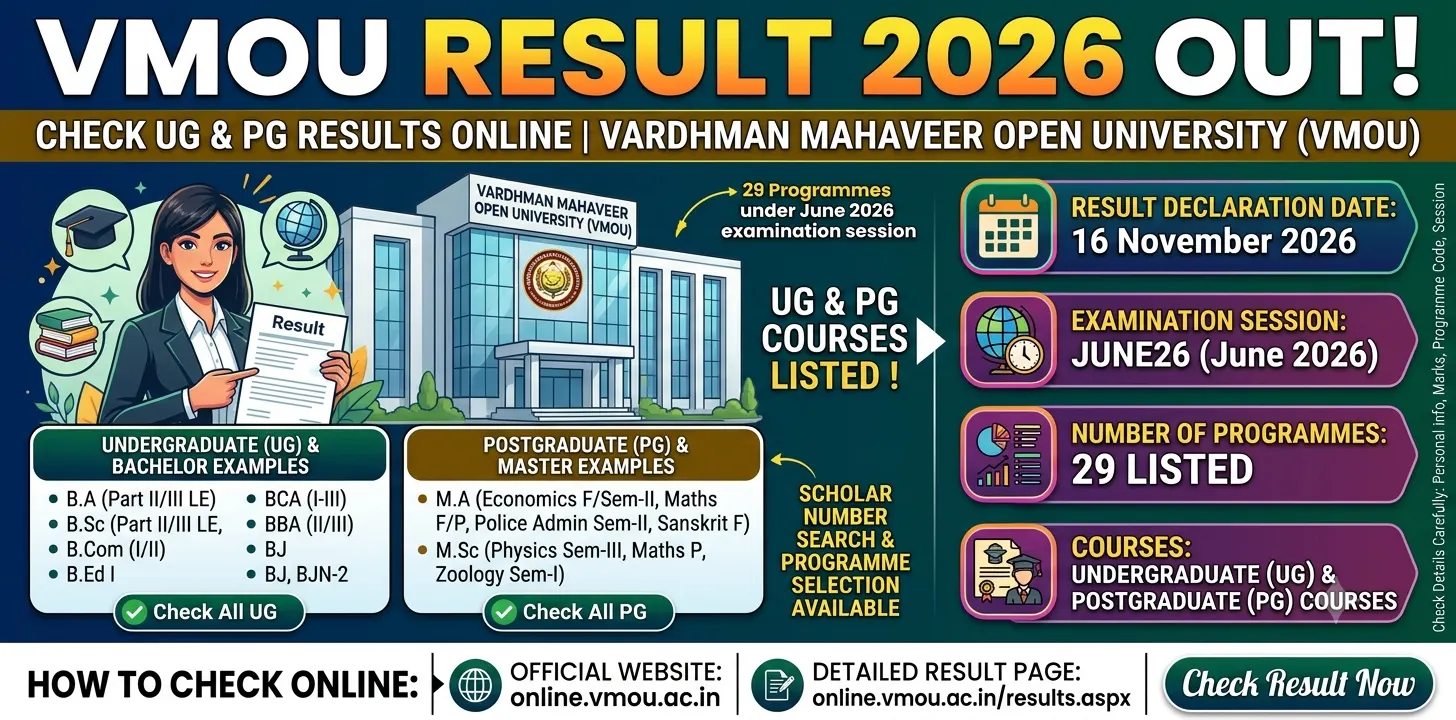
VMOU Result 2026 – Overview
Vardhman Mahaveer Open University has published the June 2026 examination results for 29 programmes. Students can check their results online through the university’s official portal.
The main details of the VMOU Result 2026 are given below.
| Particulars | Details |
|---|---|
| University Name | Vardhman Mahaveer Open University (VMOU) |
| Event | Result Declaration |
| Examination Session | JUNE26 (June 2026) |
| Result Declaration Date | 16 November 2026 |
| Number of Programmes Listed | 29 |
| Courses | UG and PG Programmes |
| Result Mode | Online |
| Official Result Website | online.vmou.ac.in/results.aspx |
The table provides the main details of the VMOU June 2026 results. It includes the university name, examination session, declaration date and number of programmes. You can use the official website to check your course result.
VMOU Result 2026 – Important Dates
The university has listed 16 November 2026 as the result declaration date for all 29 programmes covered in this update. The examination session is JUNE26.
| Event | Date |
|---|---|
| Result Declaration Date | 16 November 2026 |
| Examination Session | JUNE26 (June 2026) |
Students should check the examination session before opening their results. Make sure you are checking the June 2026 result and not a result from another examination session.
VMOU Result June 2026 – Course-Wise Result List
VMOU has listed 29 undergraduate and postgraduate programmes in its June 2026 result update. You can find your course name and programme code in the following tables. Each result link will take you to the university’s detailed result page.
Undergraduate and Other Bachelor-Level Results
The following list contains 19 undergraduate and other bachelor-level programmes. It includes B.A, BBA, BCA, B.Com, B.Ed, Journalism and B.Sc courses.
| Sl. No. | Programme Name | Programme Code | Result Link |
|---|---|---|---|
| 1 | Bachelor of Arts (Part-II) Lateral Entry | BA2L-2 | Check Result |
| 2 | Bachelor of Arts (Part-III) Lateral Entry | BA2L-3 | Check Result |
| 3 | Bachelor of Arts (Part-III) Lateral Entry | BA3L-3 | Check Result |
| 4 | Bachelor of Arts (Additional Subject: English) | BAA(EG) | Check Result |
| 5 | Bachelor of Arts (Additional Subject: Mathematics) | BAA(MT) | Check Result |
| 6 | Bachelor of Business Administration Programme (Part-II) | BBA-II | Check Result |
| 7 | Bachelor of Business Administration Programme (Part-III) | BBA-III | Check Result |
| 8 | Bachelor of Computer Application (Part-I) | BCA-I | Check Result |
| 9 | Bachelor of Computer Application (Part-II) | BCA-II | Check Result |
| 10 | Bachelor of Computer Application (Part-III) | BCA-III | Check Result |
| 11 | Bachelor of Commerce (Part-I) | BCOM-I | Check Result |
| 12 | Bachelor of Commerce (Part-II) | BCOM-II | Check Result |
| 13 | Bachelor of Education – I | BED-I | Check Result |
| 14 | Bachelor of Journalism | BJ | Check Result |
| 15 | Bachelor of Journalism (Semester-II) | BJN-2 | Check Result |
| 16 | Bachelor of Science Programme (Pass Course) Part-II Lateral Entry | BSC2L-2 | Check Result |
| 17 | Bachelor of Science (Part-III) Lateral Entry | BSC2L-3 | Check Result |
| 18 | Bachelor of Science (Part-III) Lateral Entry | BSC3L-3 | Check Result |
| 19 | Bachelor of Science (Additional Subject: Physics) | BScA(PH) | Check Result |
You can use the programme codes to find your course quickly. Check the full programme name as well because some courses have similar names but different codes.
Postgraduate Results
The following list contains 10 postgraduate programmes. These include M.A Economics, Mathematics, Police Administration, Psychology and Sanskrit. It also includes M.Sc Physics, Mathematics and Zoology.
| Sl. No. | Programme Name | Programme Code | Result Link |
|---|---|---|---|
| 20 | M.A. Economics (Final) | MAEC-F | Check Result |
| 21 | M.A. Economics (Semester-II) | MAECN-2 | Check Result |
| 22 | M.A. Mathematics (Final) | MAMT-F | Check Result |
| 23 | M.A. Mathematics (Previous) | MAMT-P | Check Result |
| 24 | M.A. Police Administration (Semester-II) | MAPSTN-2 | Check Result |
| 25 | Master of Arts Psychology (Previous) | MAPSY-P | Check Result |
| 26 | M.A. Sanskrit (Final) | MASA-F | Check Result |
| 27 | Master of Science Physics (Semester-III) | MPHN-3 | Check Result |
| 28 | M.Sc. Mathematics (Previous) | MSCMT-P | Check Result |
| 29 | Master of Science Zoology (Semester-I) | MZON-1 | Check Result |
These are the 10 postgraduate programmes included in the June 2026 result list. Find your course and note its programme code before visiting the detailed result page.
How to Check VMOU Result 2026 Online?
You can check your VMOU Result 2026 through the official university website. Follow these simple steps to find your result.
- Visit the official VMOU results page at online.vmou.ac.in/results.aspx.
- Find the section showing the declared examination results.
- Search for your programme name or programme code in the list.
- Check that the examination session is JUNE26.
- Click on the detailed result link.
- Enter your Scholar Number and select your programme if the page asks for these details.
- Submit the required information to view your result.
- Check your marks and other available result details.
- Download or save your result for future reference.
You can also use the Scholar Number search option available on the detailed result page. If you do not know your Scholar Number, check whether a search option by name is available.
Important Instructions for VMOU Students
If you appeared in the June 2026 examinations, check your VMOU Result 2026 carefully. Keep the following points in mind:
- Check your programme name before opening the result.
- Enter or select the correct programme code.
- Pay attention to similar programme codes. For example, BA2L-3 and BA3L-3 are different entries.
- Make sure the examination session is JUNE26.
- Check your personal details and marks after opening the result.
- Download or save a copy of your result for future reference.
- Keep checking the official VMOU website for new result notices.
- If your result is not available or the website shows an error, check the official website again or contact your study centre or the university.
- Do not trust unofficial websites or messages for your examination marks.
The detailed result page also provides a Scholar Number search facility and a programme selection option. Use the correct details to find your result.
Please note that the university’s live results page may show additional programmes and different declaration dates when new results are published. Always check the actual programme code and declaration date on the official portal before relying on an individual result entry.
VMOU Result 2026 – Important Links
You can use the following official links to check your result and get the latest university updates.
| Important Links | Official Website |
|---|---|
| Direct Link to Check VMOU Result 2026 | Check Result |
| Detailed VMOU Result Page | View Detailed Results |
| VMOU Official Website | Visit VMOU Website |
Visit the official results page to check your June 2026 examination result. Select your correct programme and save your result for future reference.
Also Check Out:- SBI Clerk Prelims Result 2026 @sbi.bank.in, Score Card and Result Link, Mains Exam on 26 & 27 November
FAQs
1. When was the VMOU Result 2026 declared?
Vardhman Mahaveer Open University listed 16 November 2026 as the result declaration date for 29 programmes under the June 2026 examination session (JUNE26). Students can check their results through the official VMOU website.
2. How can you check the VMOU June 2026 Result online?
Visit the official results page at https://online.vmou.ac.in/results.aspx. Find your programme name or programme code and check that the examination session is JUNE26. Open the detailed result link and enter your Scholar Number and other required details, if asked. Submit the information to view and download your result.
3. Which courses are included in the VMOU Result 2026?
The VMOU Result 2026 list includes 29 programmes. These cover undergraduate courses such as B.A, BBA, BCA, B.Com, B.Ed, Journalism and B.Sc. The postgraduate courses include M.A Economics, Mathematics, Police Administration, Psychology and Sanskrit, along with M.Sc Physics, Mathematics and Zoology.
4. What should you check after downloading the VMOU Result 2026?
Check your programme name, programme code, examination session, personal details and marks. Make sure the session is JUNE26. Pay special attention to similar programme codes, such as BA2L-3 and BA3L-3. Save or download a copy of your result for future reference. If your result is missing or shows an error, contact your study centre or the university.
