
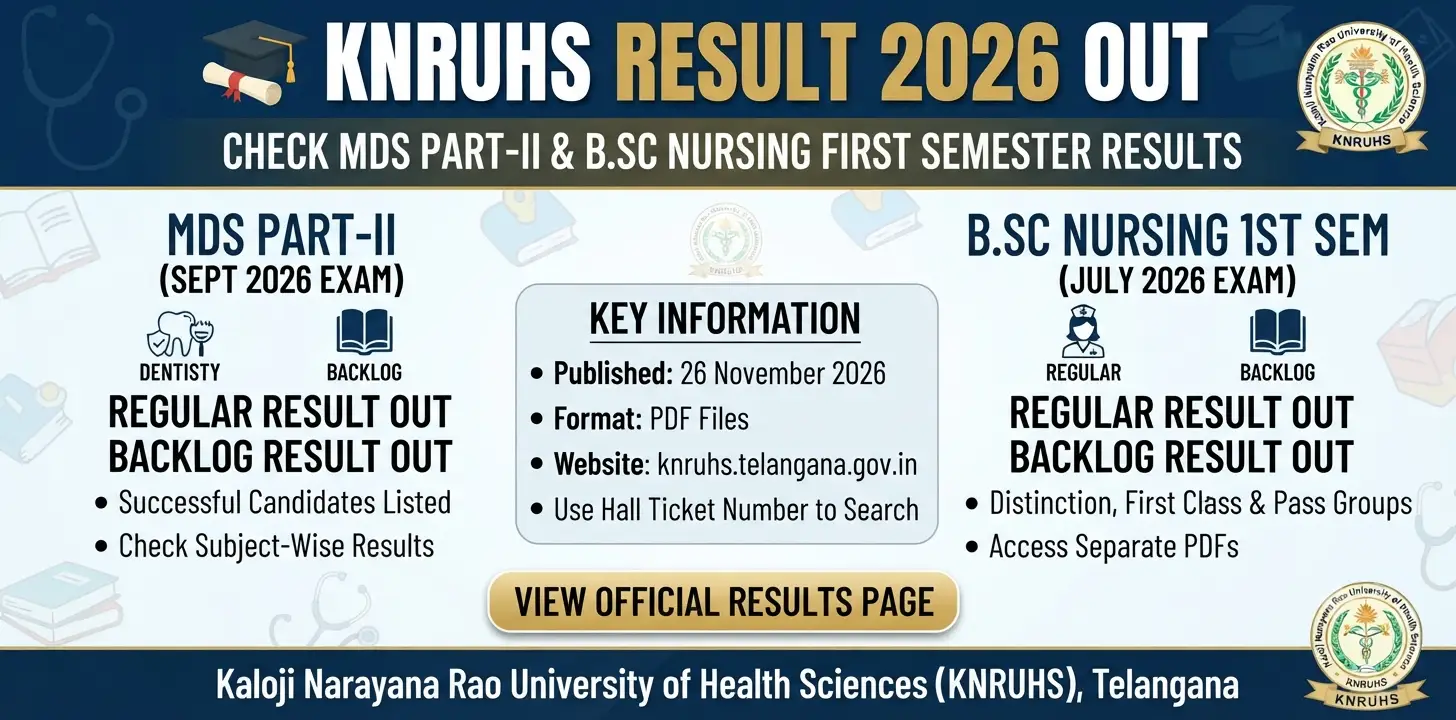
KNRUHS Result 2026 has been released for MDS Part-II and B.Sc Nursing First Semester students. Kaloji Narayana Rao University of Health Sciences (KNRUHS), Telangana, published four result notifications on 26 November 2026. These results cover both regular and backlog candidates.
Table of ContentsQuickly navigate to the information you need
The MDS Part-II examinations were held in September 2026, while the B.Sc Nursing First Semester examinations took place in July 2026. You can check your result online through the official KNRUHS website. The university has published separate PDF files for regular and backlog candidates.
To check your result, open the correct PDF and search for your hall ticket number. Read below to find the direct result links, checking steps and important instructions.
KNRUHS Result 2026: Overview
The university has released four result PDFs. Two are for MDS Part-II students and two are for B.Sc Nursing First Semester students. Each course has a separate result document for regular and backlog candidates.
| Particulars | Details |
|---|---|
| University | Kaloji Narayana Rao University of Health Sciences (KNRUHS) |
| State | Telangana |
| Courses | MDS Part-II and B.Sc Nursing First Semester |
| MDS Examination | September 2026 |
| B.Sc Nursing Examination | July 2026 |
| Candidate Types | Regular and Backlog |
| Result Notification Date | 26 November 2026 |
| Result Format | |
| Result Checking Mode | Online |
| Official Website | knruhs.telangana.gov.in |
You can find all four notifications on the university’s official results page. KNRUHS Result 2026.
KNRUHS Result 2026: Important Dates
All four result notifications were published on 26 November 2026. The table below also gives the examination months for both courses.
| Event | Date |
|---|---|
| MDS Part-II Regular Result | 26 November 2026 |
| MDS Part-II Backlog Result | 26 November 2026 |
| B.Sc Nursing First Semester Regular Result | 26 November 2026 |
| B.Sc Nursing First Semester Backlog Result | 26 November 2026 |
| MDS Part-II Examination | September 2026 |
| B.Sc Nursing First Semester Examination | July 2026 |
KNRUHS Results 2026: Direct Links for All Four PDFs
KNRUHS has provided separate PDF files for each course and candidate type. Choose the correct link based on your course and whether you appeared as a regular or backlog candidate.
| Course and Examination | Candidate Type | Official Result PDF |
|---|---|---|
| MDS Part-II, September 2026 | Regular | View MDS Regular Result |
| MDS Part-II, September 2026 | Backlog | View MDS Backlog Result |
| B.Sc Nursing First Semester, July 2026 | Regular | View B.Sc Nursing Regular Result |
| B.Sc Nursing First Semester, July 2026 | Backlog | View B.Sc Nursing Backlog Result |
You can also visit the official KNRUHS Results page to find these four notifications. KNRUHS Result 2026.
How to Check KNRUHS MDS Part-II Result September 2026
If you appeared for the MDS Part-II examination in September 2026, follow these steps to check your result:
- Visit the official KNRUHS Results page.
- Find the notification titled “Results of MDS Part-II Examinations – September 2026”.
- Choose the Regular or Backlog result, based on your candidate type.
- Click the View Document link.
- Open the result PDF.
- Press Ctrl + F on your computer. On a mobile phone, use the PDF search option.
- Enter your hall ticket or registered number.
- Check whether your number appears in the result.
- Download or print the PDF for future use.
The MDS result PDFs contain the registered numbers of successful candidates. The regular result also groups candidates under distinction, first class and pass categories. The backlog result lists successful candidates by subject. KNRUHS Result 2026.
How to Check KNRUHS B.Sc Nursing First Semester Result July 2026
You can check your B.Sc Nursing First Semester result through the same university website. Follow these steps:
- Open the official KNRUHS Results page.
- Find “Results of B.Sc Nursing First Semester Examinations – July 2026”.
- Select the Regular or Backlog notification that applies to you.
- Click View Document to open the PDF.
- Search for your hall ticket or registered number.
- Check the subject-wise result details.
- Download the PDF and keep a copy for future reference.
The B.Sc Nursing result PDFs list successful candidates and the subjects in which they passed. Check the correct PDF before deciding your result status.
Which KNRUHS Result PDF Should You Open: Regular or Backlog?
KNRUHS has published separate result PDFs for regular and backlog candidates. You should select the document that matches your examination status.
- Regular candidates are students who appeared for the examination with their current batch.
- Backlog candidates are students who appeared to clear subjects they could not pass in an earlier attempt.
For example, if you appeared for the MDS Part-II examination as a regular student, open the MDS Regular Result PDF. If you appeared to clear an earlier paper, select the MDS Backlog Result PDF.
The same rule applies to B.Sc Nursing First Semester students. If you cannot find your number in the selected PDF, first check whether you have opened the correct candidate category. KNRUHS Result 2026.
What Details Are Available in the KNRUHS Result PDFs?
The KNRUHS Result 2026 PDFs contain the registered numbers of successful candidates. The result documents also show the course, semester, examination month and candidate type.
The MDS regular result groups candidates under distinction, first class and pass. The MDS backlog result lists candidates who passed in different MDS subjects.
The B.Sc Nursing PDFs list successful candidates under subject names. The backlog result, for example, includes subjects such as Applied Anatomy and Applied Physiology, Applied Sociology and Applied Psychology, and Communicative English.
You should search for your registered number and check the subject details carefully.
What Do You Need to Check KNRUHS Result 2026?
Keep these things ready before opening the result:
- Your hall ticket or registered number.
- A mobile phone, computer or other device with internet access.
- A PDF viewer to open the result document.
You do not need to enter login details on the results page to view these PDFs. You can open the relevant document and search for your number.
What Should You Do After Checking the KNRUHS Result 2026?
After checking your result, follow these steps:
- Download the correct result PDF and save it.
- Note your result status and the subjects in which you passed.
- Contact your college if you need your detailed statement of marks.
- If you find any mistake, contact your college and the KNRUHS examination branch.
- If you want to apply for recounting or revaluation, check the university website for a separate notification.
KNRUHS has stated in the result PDFs that the statements of marks for both passed and failed candidates are sent to their respective colleges. You can collect your statement of marks from your college principal.
The result notifications do not give the dates, fees or process for recounting and revaluation. Check for a separate official notice before applying.
Important Instructions for KNRUHS Students
Keep these points in mind while checking your result:
- Use the official KNRUHS website to check your result.
- Open the PDF for your correct course and candidate type.
- Check your hall ticket or registered number carefully.
- Save a copy of the result PDF for future reference.
- Contact your college if you cannot find your number or notice an error.
- Collect your statement of marks from your college principal.
- Check the official website for separate updates about recounting, revaluation and marks memos.
KNRUHS Result 2026: Important Links
The table below provides the official university links for all four results, along with the main results page. Use the correct course and candidate category when opening a PDF.
| Particulars | Official Link |
|---|---|
| MDS Part-II Regular Result 2026 | Download PDF |
| MDS Part-II Backlog Result 2026 | Download PDF |
| B.Sc Nursing First Semester Regular Result 2026 | Download PDF |
| B.Sc Nursing First Semester Backlog Result 2026 | Download PDF |
| KNRUHS Results Page | Check All Results |
| KNRUHS Official Website | Visit KNRUHS |
Note about the additional B.Sc backlog link: The source text also included a link to the B.Sc Nursing Sixth Semester backlog result. That link is for a different semester, not the First Semester result discussed in this article. It has therefore not been labelled as the First Semester result here.
Also Check Out:- Punjab Police Constable PST PMT Result & Cut Off 2026 Released, Check Now
FAQs
1. When was KNRUHS Result 2026 released?
KNRUHS Result 2026 was released on 26 November 2026. The university published results for MDS Part-II examinations held in September 2026 and B.Sc Nursing First Semester examinations held in July 2026. Both regular and backlog results are available.
2. How can you check KNRUHS Result 2026?
Visit the official KNRUHS results page at https://www.knruhs.telangana.gov.in/results/. Find your course and examination name, then open the correct regular or backlog result PDF. Search for your registered number in the PDF to check your result. You do not need to log in to view these result lists.
3. Which courses are included in the KNRUHS Result 2026?
The latest results include MDS Part-II examinations for September 2026 and B.Sc Nursing First Semester examinations for July 2026. KNRUHS has published separate PDFs for regular and backlog candidates for both courses.
4. Where can you collect the detailed marks statement after KNRUHS Result 2026?
The university sends the statements of marks for both passed and failed candidates to their respective colleges. You can collect your marks statement from your college principal. If you find any error in your result, contact your college or the university examination branch. Check the official website for separate updates about recounting or revaluation.
